
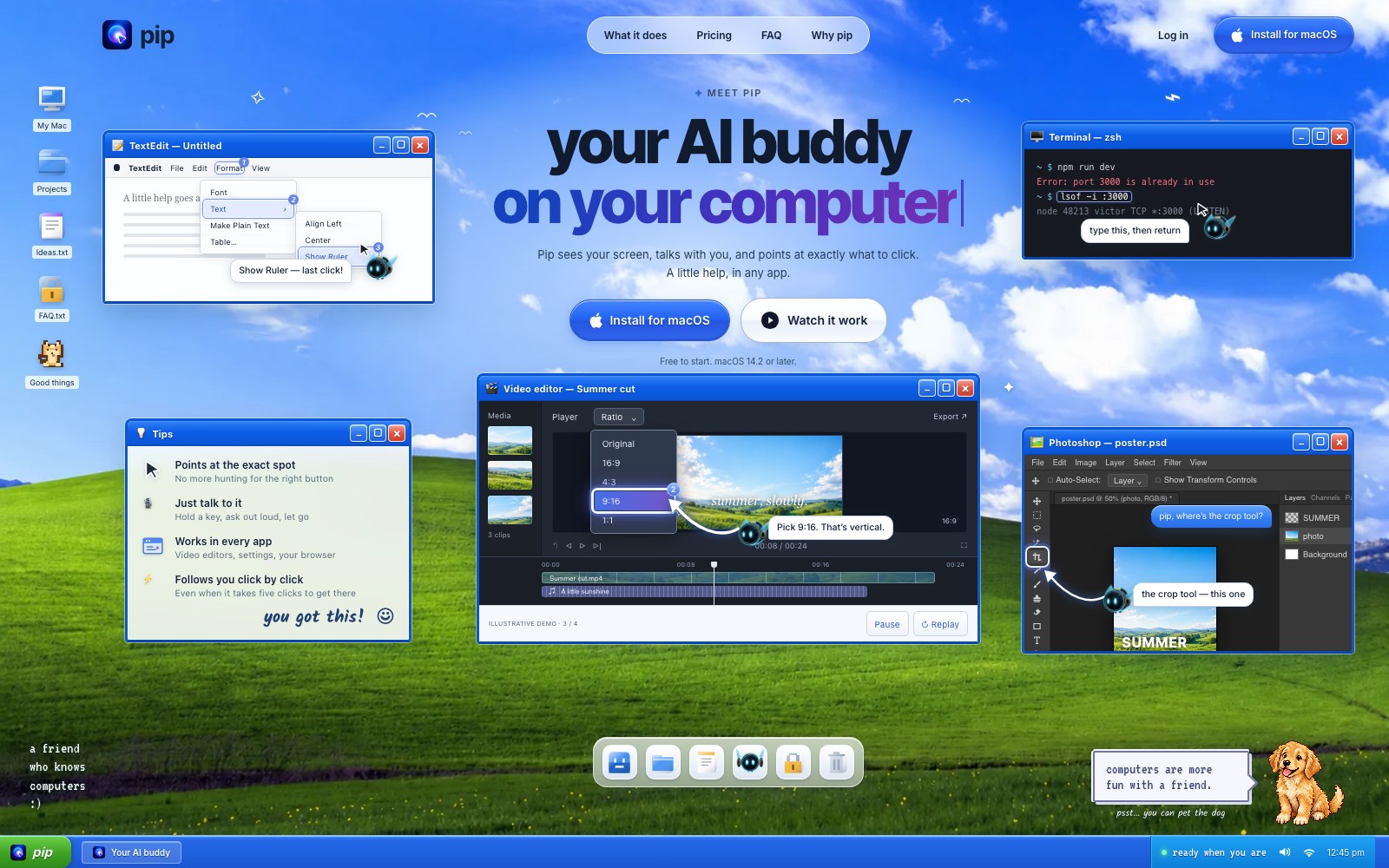
PIP can see the user’s screen, talk through tasks, and point to where to click next, including multi-step click guidance.
Features
- Screen understanding
- Spoken task guidance
- Multi-step click guidance
Use Cases
- Learn software workflows
- Complete desktop tasks
- Get live interface help
FAQ
PIP can see the user’s screen, talk through tasks, and point to where to click next, including multi-step click guidance. Core capabilities include: Screen understanding, Spoken task guidance, Multi-step click guidance.
Common scenarios include: Learn software workflows, Complete desktop tasks, Get live interface help.
Alternatives and related tools

DeepHire
AI resume and job search acceleration

Work_Review
Help you automatically record which applications you use throughout the day, which web pages you browse, and how much time you spend on each application.
Lumina-Note
Lumina Note - A modern Markdown note-taking app with live preview, bidirectional links, and AI assistant