
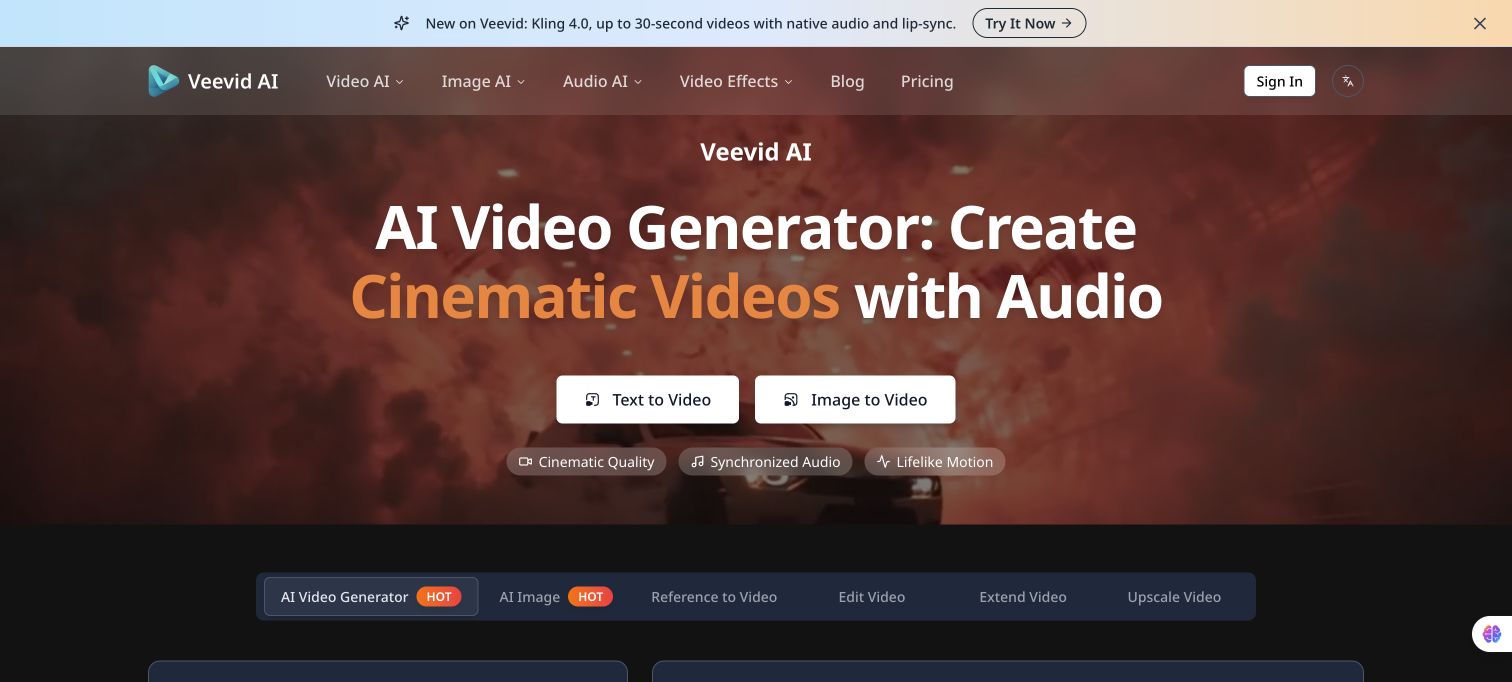
Veevid AI brings several video models into one web workspace. Enter a scene prompt or upload a reference image, choose a model, aspect ratio, and duration, then preview and download the result. The site also has separate reference-to-video, editing, extension, and upscaling tools; some models support synchronized audio. Available options and results depend on the selected model.
Features
- Text-to-video and image-to-video generation
- Model, aspect-ratio, and duration controls
Use Cases
- Draft a short video concept
FAQ
Alternatives and related tools

CorridorKey-Runtime
Native AI keying runtime and OFX plugin for DaVinci Resolve, built in collaboration with Corridor Digital.
VideoCaptioner
🎬 Kaka Subtitle Assistant | VideoCaptioner - LLM-based intelligent subtitle assistant - handles the entire process of video subtitle generation, sentence segmentation, correction, and subtitle translation!
aigcpanel
AIGCPanel is a simple and easy-to-use one-stop AI digital human system that supports video synthesis, sound synthesis, and sound cloning, simplifying local model management, and one-click import and use of AI models.