
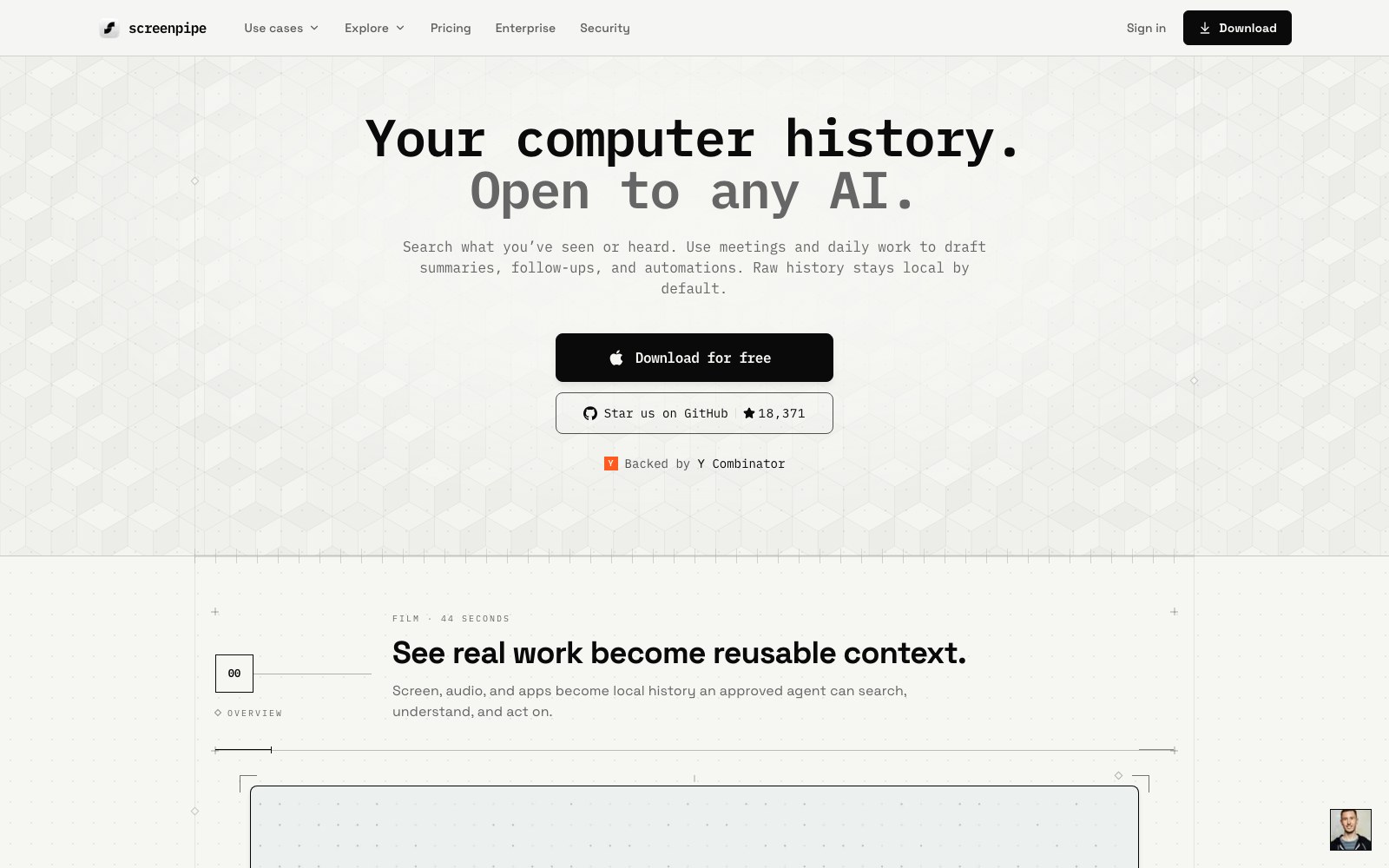
screenpipe is a local-first work-memory tool for individuals, teams, and AI agents. On macOS, Windows, and Linux, it continuously captures accessibility text, screen content, and audio transcripts into a searchable history stored on the device by default. A local REST API, MCP server, CLI, and SQLite access can supply real work context to tools such as Claude and Codex, while trigger-based workflows can create meeting notes, follow-ups, and SOPs. Cloud AI, sync, and connectors are opt-in; the code is source-available under the Screenpipe Commercial License.
Features
- Local-first screen, app, and audio history
- Accessibility text, OCR, and audio transcription
- Natural-language search across prior work context
- REST API, MCP, CLI, and SQLite access
- Trigger-based meeting notes, follow-ups, and SOPs
- App exclusions, privacy filters, and sensitive-data controls
Use Cases
- Recall information previously viewed or handled
- Create meeting notes and action items
- Give AI assistants real work context
- Turn repeated work into SOPs and automations
- Find decisions, files, and communications across apps
- Build a local personal knowledge and work-memory archive
FAQ
Alternatives and related tools

DeepHire
AI resume and job search acceleration

Work_Review
Help you automatically record which applications you use throughout the day, which web pages you browse, and how much time you spend on each application.
Lumina-Note
Lumina Note - A modern Markdown note-taking app with live preview, bidirectional links, and AI assistant