
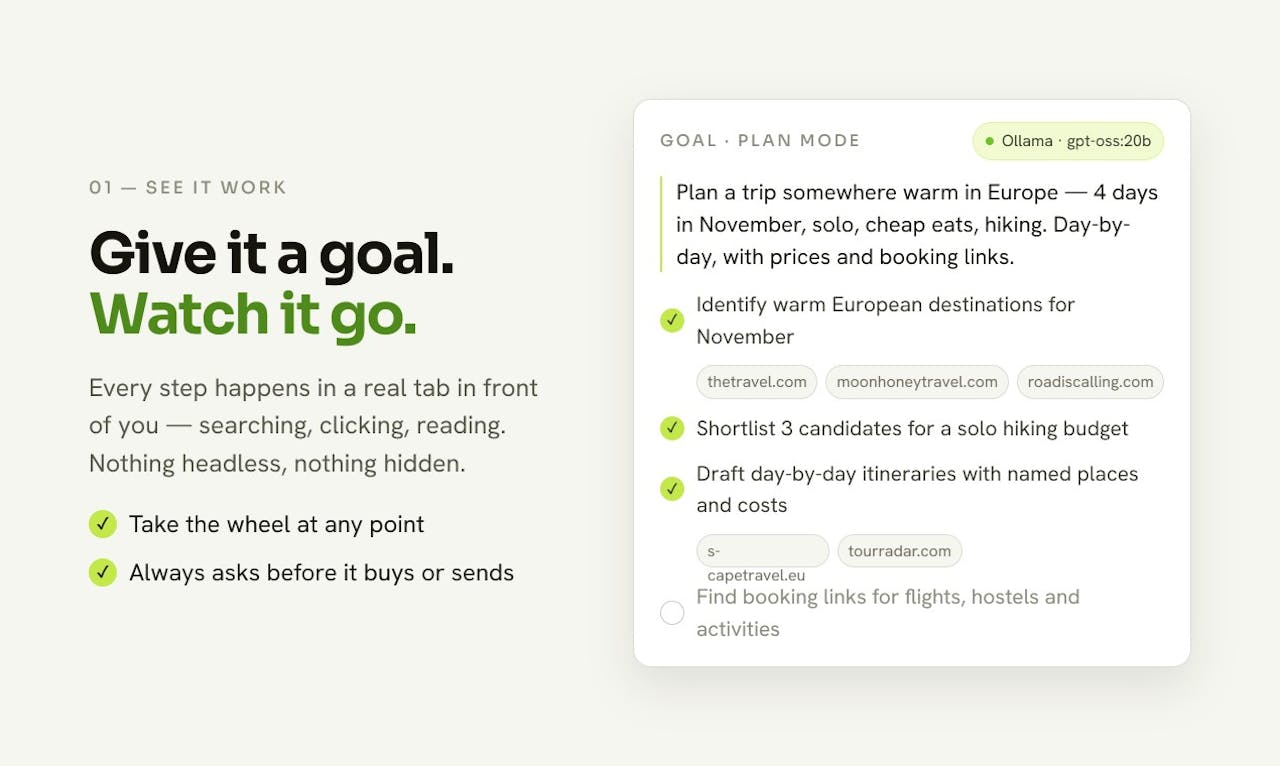
Pickle Browser runs on the user’s machine and exposes agent clicks, navigation, and typing in a visible window. Purchases and destructive steps require approval and all actions are logged. Pages are compressed before reaching the agent to reduce context use, with MCP support for several desktop and coding clients.
Features
- Local visible browser
- Approval and policy gates
- Action logs
- Page context compression
Use Cases
- Run web agents
- Use authenticated sites
- Observe automation steps
- Gate purchases and deletions
FAQ
Pickle Browser runs on the user’s machine and exposes agent clicks, navigation, and typing in a visible window. Purchases and destructive steps require approval and all actions are logged. Pages are compressed before reaching the agent to reduce context use, with MCP support for several desktop and coding clients. Core capabilities include: Local visible browser, Approval and policy gates, Action logs.
Common scenarios include: Run web agents, Use authenticated sites, Observe automation steps.
