
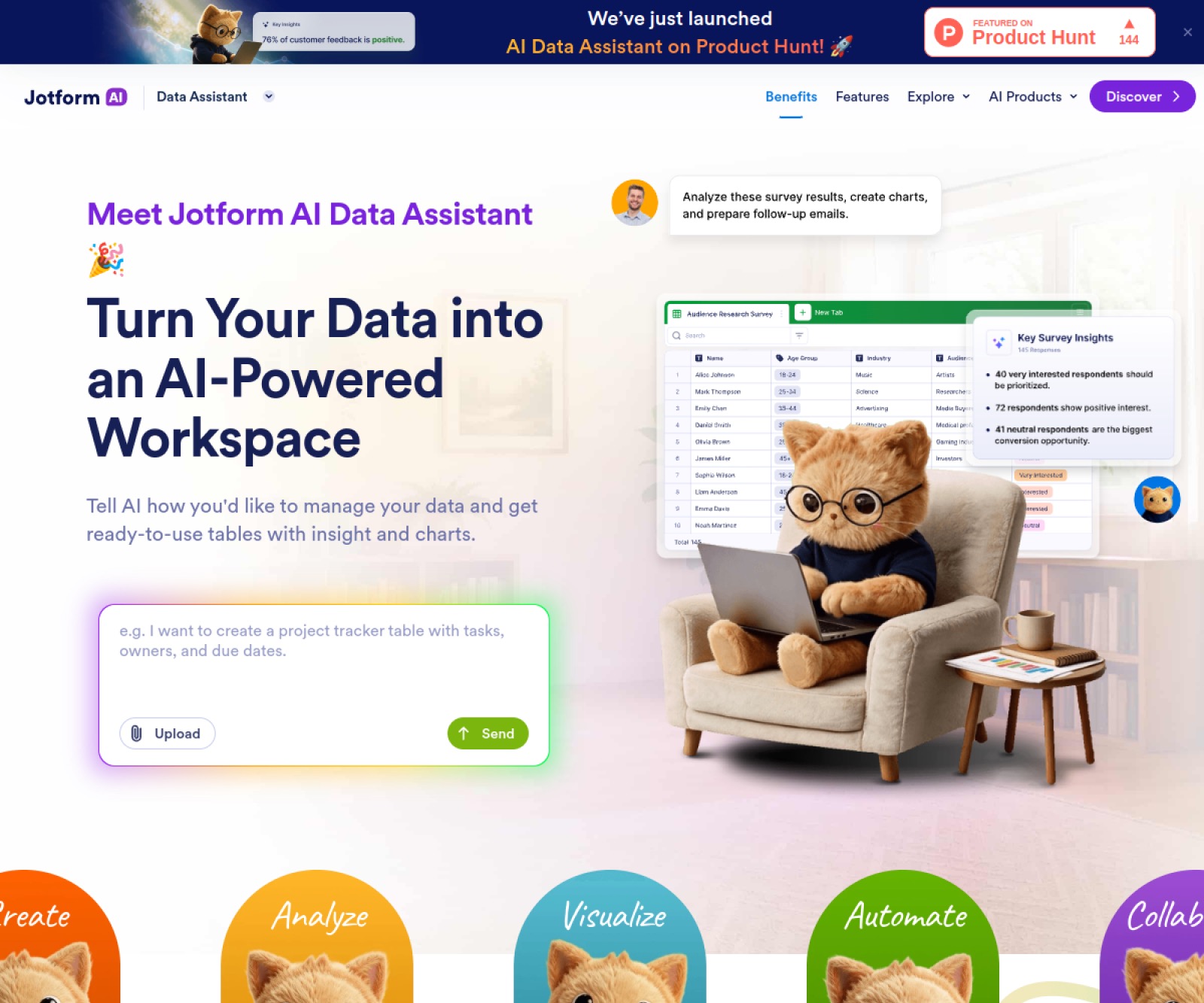
Jotform AI Data Assistant uses natural language to work with form data in Jotform Tables and Inbox. It creates tables from prompts, files, or voice, edits fields and filters, calculates summaries and outliers, generates charts, and applies AI columns for summarization, translation, and classification. Results can be exported to CSV, Excel, or PDF and used for follow-up emails and bulk actions.
Features
- Conversational table management
- Statistics and outlier analysis
- AI summary, translation, and classification columns
- Exports and bulk actions
Use Cases
- Analyze customer feedback
- Organize registration data
- Generate operations reports
- Follow up with submitters
FAQ
Jotform AI Data Assistant uses natural language to work with form data in Jotform Tables and Inbox. It creates tables from prompts, files, or voice, edits fields and filters, calculates summaries and outliers, generates charts, and applies AI columns for summarization, translation, and classification. Results can be exported to CSV, Excel, or PDF and used for follow-up emails and bulk actions. Core capabilities include: Conversational table management, Statistics and outlier analysis, AI summary, translation, and classification columns.
Common scenarios include: Analyze customer feedback, Organize registration data, Generate operations reports.
Alternatives and related tools

DeepHire
AI resume and job search acceleration

Work_Review
Help you automatically record which applications you use throughout the day, which web pages you browse, and how much time you spend on each application.
Lumina-Note
Lumina Note - A modern Markdown note-taking app with live preview, bidirectional links, and AI assistant