
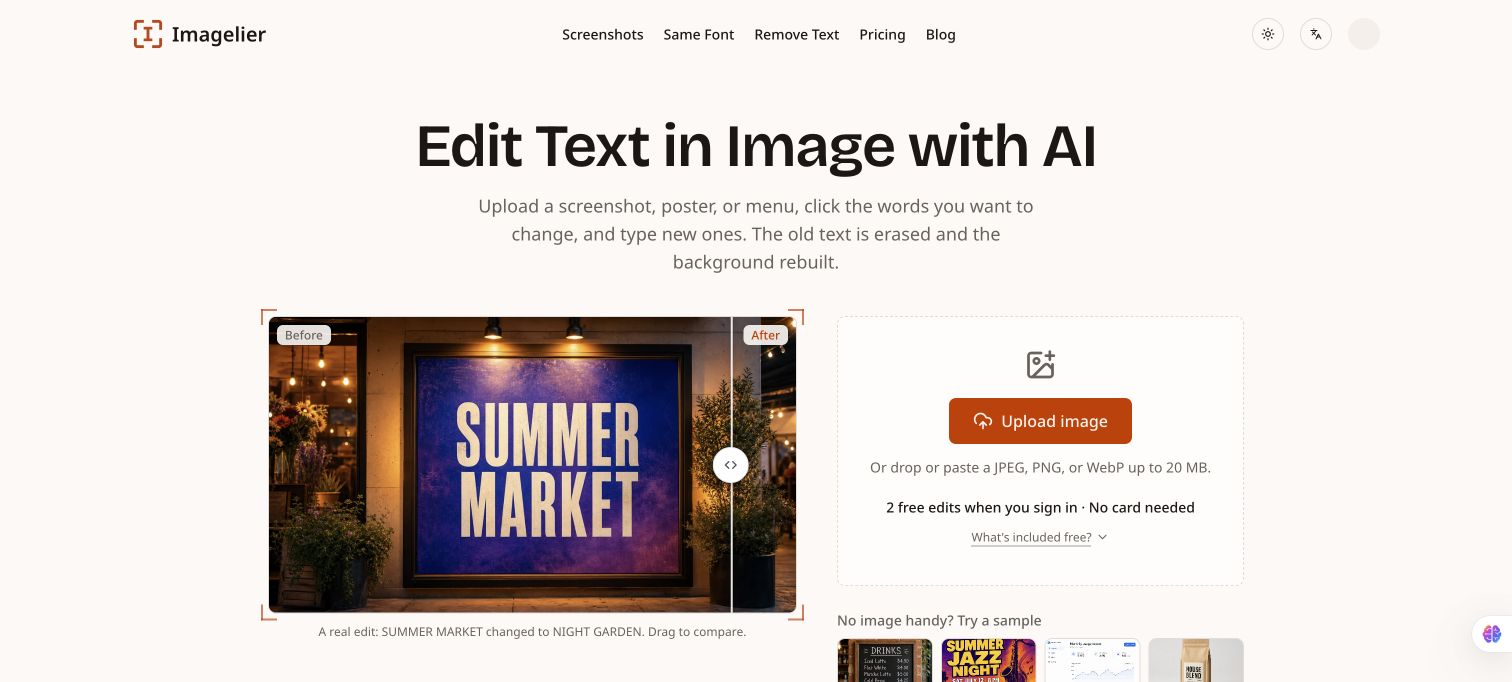
Upload a JPEG, PNG, or WebP screenshot, poster, menu, or product image, select detected text, and enter a replacement. Imagelier erases the original wording, rebuilds the background, and places new text in the same position and style; Pro adds AI-style redraws for decorative lettering. New accounts get two free edits with watermarked 720p exports. Only edit images you own or have permission to modify.
Features
- Detect and replace text in an image
- Background repair and Pro lettering redraw
Use Cases
- Correct wording in a poster, menu, or product screenshot
FAQ
Upload a JPEG, PNG, or WebP screenshot, poster, menu, or product image, select detected text, and enter a replacement. Imagelier erases the original wording, rebuilds the background, and places new text in the same position and style; Pro adds AI-style redraws for decorative lettering. New accounts get two free edits with watermarked 720p exports. Only edit images you own or have permission to modify. Core capabilities include: Detect and replace text in an image, Background repair and Pro lettering redraw.
Common scenarios include: Correct wording in a poster, menu, or product screenshot.