
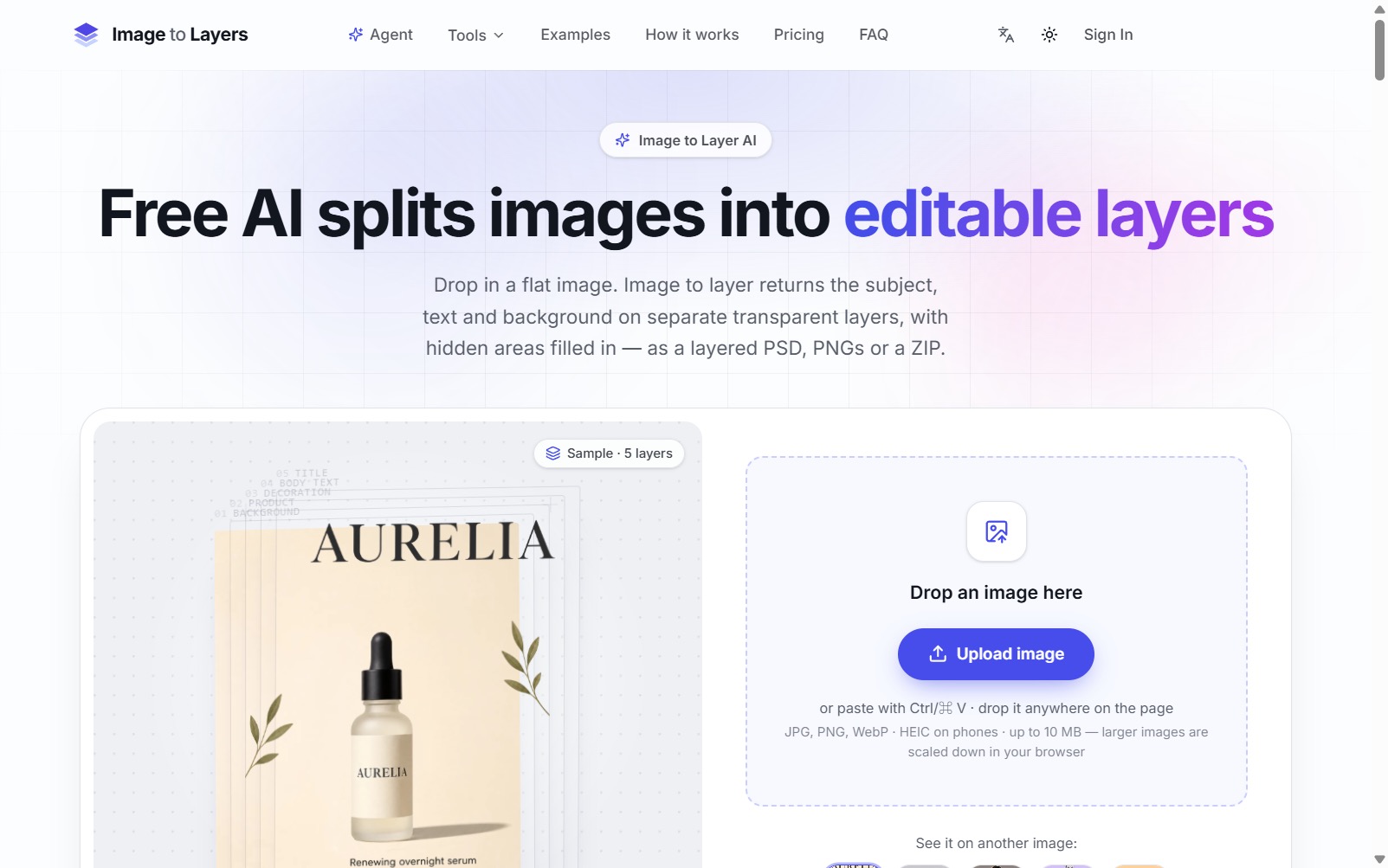
Image2Layers separates subjects, objects, text, and backgrounds in JPG, PNG, or WebP files into transparent layers and fills hidden areas behind extracted objects. Results can be downloaded as a layered PSD, individual PNG files, or a ZIP for continued editing in Photoshop, Figma, or Canva.
Features
- Automatic subject, text, and background layers
- Hidden-area reconstruction
- PSD, PNG, and ZIP export
Use Cases
- Rebuild design source files
- Separate marketing image elements
- Continue editing in popular design tools
FAQ
Image2Layers separates subjects, objects, text, and backgrounds in JPG, PNG, or WebP files into transparent layers and fills hidden areas behind extracted objects. Results can be downloaded as a layered PSD, individual PNG files, or a ZIP for continued editing in Photoshop, Figma, or Canva. Core capabilities include: Automatic subject, text, and background layers, Hidden-area reconstruction, PSD, PNG, and ZIP export.
Common scenarios include: Rebuild design source files, Separate marketing image elements, Continue editing in popular design tools.