
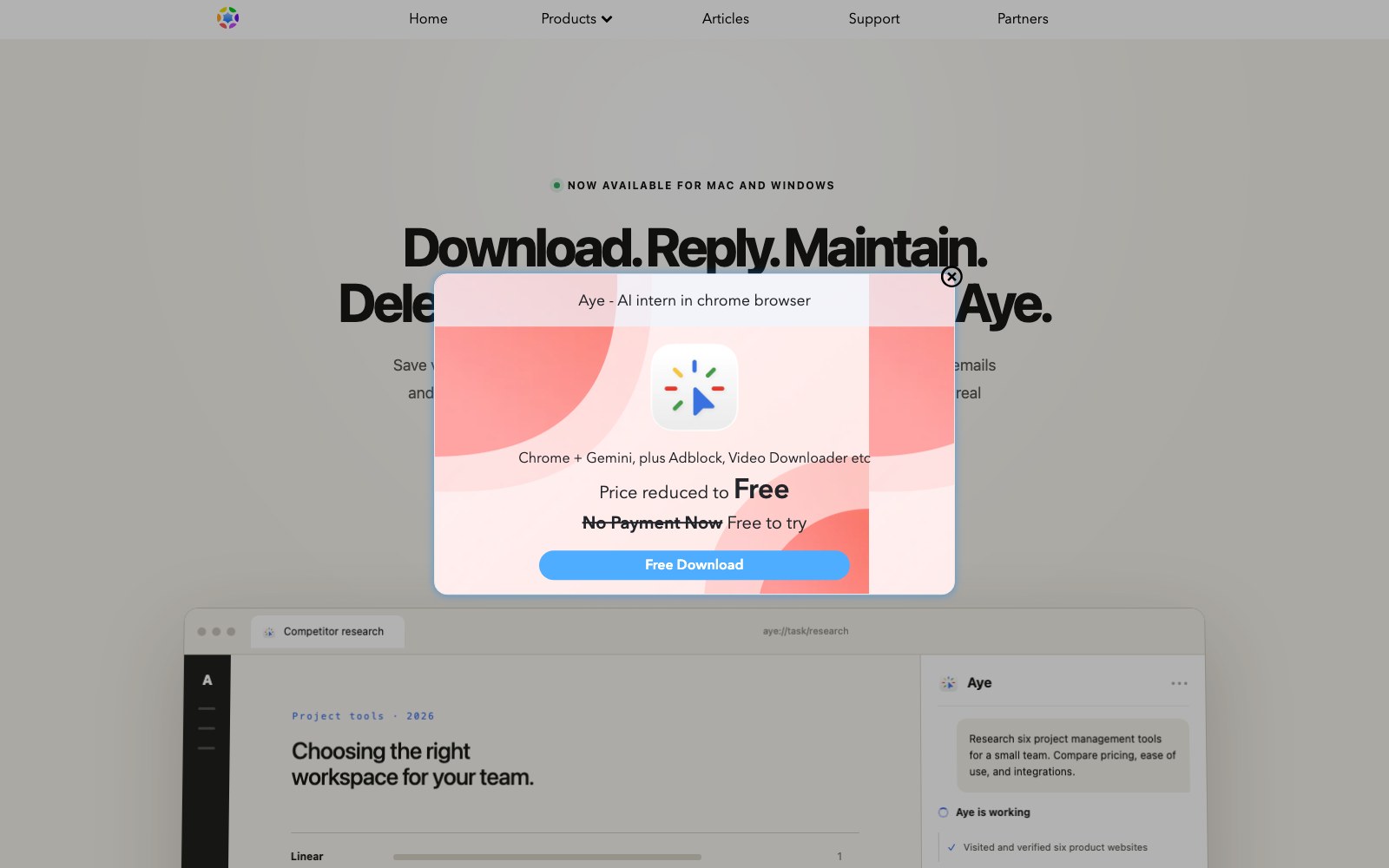
Aye is a Chromium-based AI browser for macOS and Windows. It reads visible pages, plans actions, and completes web tasks through normal browser interactions such as clicking, typing, scrolling, switching tabs, and checking results. Users can save repeatable workflows as Skills while keeping human approval for sign-in, CAPTCHA, payment, and sensitive steps.
Features
- Chromium AI browser
- Page reading and step planning
- Clicking, typing, and scrolling actions
- Reusable Skills
- Separated browser profiles
- Human approval for sensitive steps
Use Cases
- Web research and summarization
- Cross-tab information gathering
- Repeatable browser workflow automation
- Form and admin-page assistance
- Drafting replies on websites
- Separating personal and work accounts
FAQ
Aye is a Chromium-based AI browser for macOS and Windows. It reads visible pages, plans actions, and completes web tasks through normal browser interactions such as clicking, typing, scrolling, switching tabs, and checking results. Users can save repeatable workflows as Skills while keeping human approval for sign-in, CAPTCHA, payment, and sensitive steps. Core capabilities include: Chromium AI browser, Page reading and step planning, Clicking, typing, and scrolling actions.
Common scenarios include: Web research and summarization, Cross-tab information gathering, Repeatable browser workflow automation.
Alternatives and related tools

DeepHire
AI resume and job search acceleration

Work_Review
Help you automatically record which applications you use throughout the day, which web pages you browse, and how much time you spend on each application.
Lumina-Note
Lumina Note - A modern Markdown note-taking app with live preview, bidirectional links, and AI assistant